
Work Safer and Faster for a great year start
🔥Promotion period: 1st Feb - 6 March🔥

Upgrade to Hilti’s high-performance dust management solutions. Shop online today to experience the solutions for cleaner, safer work environments.
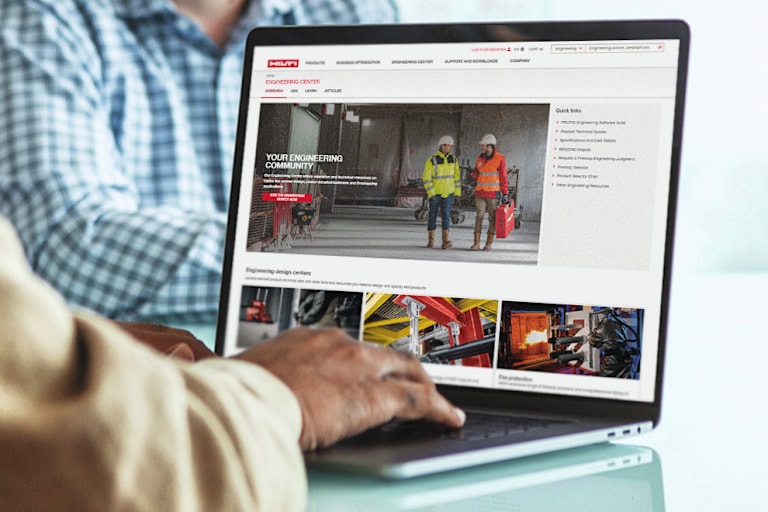
Log in to your Hilti account. Don't have an account? No worries, it only takes a few minutes toset up.
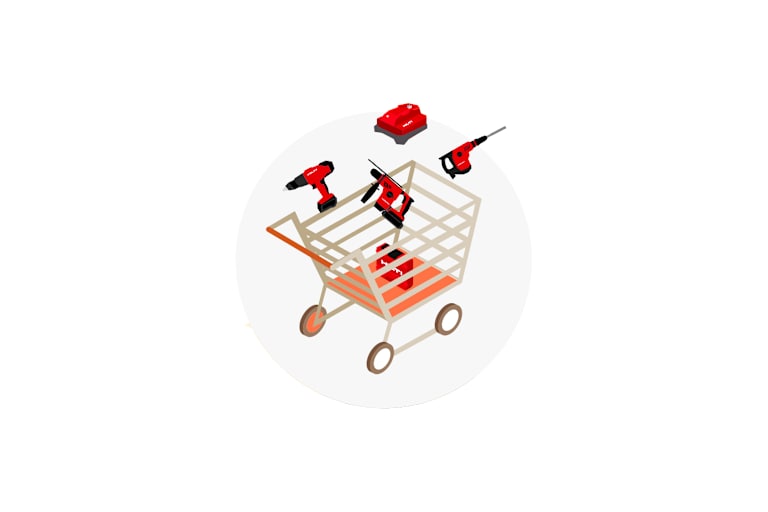
Browse the product catalog, select eligible products, and then proceed to checkout.
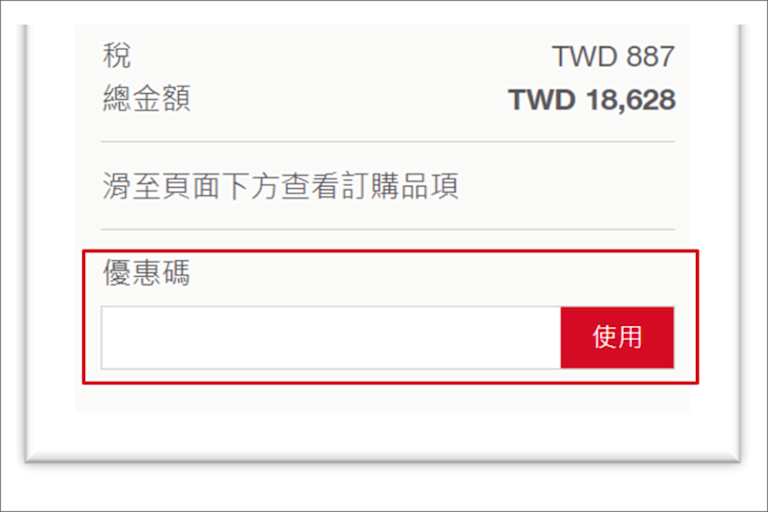
Under the checkout details, you will see a field labeled 'Discount Code'. Enter the discount codehere and click the 'Apply' button.

Complete the order by clicking the 'Submit Order' button at the bottom right of the page. Want to check order history, free maintenance expiration dates, or download invoices and arrange repairs? The official website features meet all your needs
No limit to the number of times the evoucher code is redeemed.
The code must be used within this period and will expire thereafter.
The e-voucher code is applicable for orders placed on the Hilti official website only and is not valid through other sales channels.
Only one e-voucher code may be used per order and cannot be combined with other discounts or promotional activities.
Distributors and dealers are excluded from this promotion.
Products ordered during the promotion period cannot be modified, cancelled, or returned. Please confirm the purchase requirements before placing an order.
Hilti reserves the right to modify, alter, interpret, or cancel this promotion at its sole discretion. Any changes will be announced on the official website without prior notice.